
Bring your own site · 3 min read
Can I keep my existing website and still get a dashboard to edit it?
The short answer
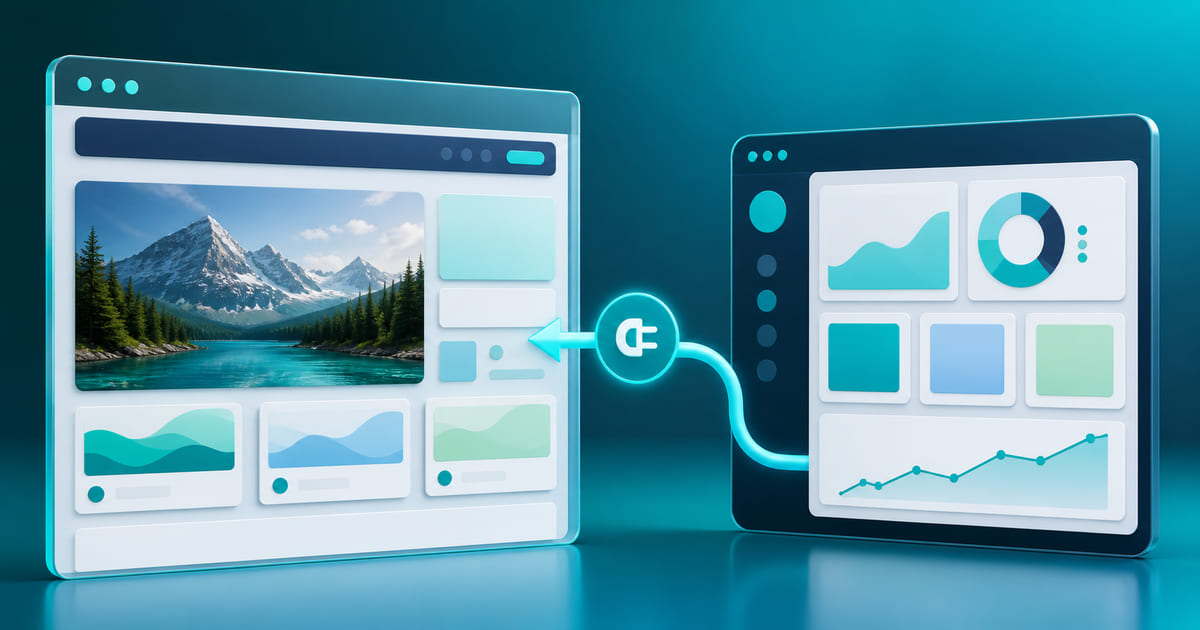
Yes. If you already have a website a developer built for you, you can upload it as-is and get a branded dashboard attached to it — without rebuilding anything. Your site keeps its exact design and code; the dashboard sits alongside it so you can edit text, images, menus and prices yourself, plus add bookings later on the Standard and Business plans, customer accounts on Standard and Business, and loyalty as one of your tools.
On this page
The problem nobody warns you about
A developer builds you a good-looking site. It launches. Then a price changes, or a dish comes off the menu, or you want to post the new opening hours — and you cannot do any of it. You email the developer. You wait. Sometimes you pay.
This is not a bad developer. It is what a static website is: files on a server with the words baked in. There is nothing to log into because nothing was built to log into.
What "upload it and attach a dashboard" actually means
Your existing site keeps its design, its code and its URL. What gets added is a content layer on top: the editable parts of the page get connected to a dashboard, and from then on you change them yourself.
Concretely, after attaching you can:
- edit any text, image, menu item or price without touching code
- publish changes yourself, immediately
- add tools the original build did not include — an enquiry inbox on every plan, bookings and a shop on the Standard and Business plans, customer accounts on Standard and Business, and loyalty as one of your tools
- keep working with the same developer, who now spends time on real work instead of copy edits
It stays your site
The design you paid for stays exactly as it is, on its own code and its own URLs. Your site keeps looking like yours, because it still is.
A shop can be added too, on the Standard and Business plans, as a piece of build work. Helm runs the catalogue, the per-variant stock, the delivery regions and the orders; the product and checkout pages are wired into your existing design, so they look like the rest of your site. Buyers pay by cash on delivery, or by Whish, OMT or bank transfer with the transfer reference you confirm against your own statement. An online store that takes Whish, OMT or cash on delivery goes through it step by step.
Why this beats starting again
Rebuilding throws away work you already paid for, and a rebuild is where the design usually gets worse — you swap something custom for whatever the new platform's templates allow.
Keeping the site and adding the layer costs less, changes nothing your customers can see, and fixes the actual complaint, which was never the design. It was that you could not change a price without emailing someone.
Who does this
This is what Helm is built for. You upload the site a developer made you, it keeps its design and its URLs, and a dashboard attaches alongside it so you edit the text, images, prices and menus yourself. If you would rather start fresh instead, the team builds a custom site in days or Helm AI generates one from a brief.
The files you upload were yours before they reached us and stay yours. A site the team builds or Helm AI generates is different: the content in it is yours, but its code is not handed over if you leave. Either way, a domain you already own stays exactly where it is — we never become its registrar.
What to check before you do it
Ask whoever built the site for the source files, and confirm you own the domain. Both are yours by default in most arrangements, but "by default" is not "in writing" — check before you need them.