

Lebanon · 5 min read
Can I run an online store that takes Whish, OMT or cash on delivery?
The short answer
Yes. Helm's Shop tool, on the Standard and Business plans, was built for money that settles outside the checkout: the buyer picks Whish, OMT, a bank transfer or cash on delivery, types the transfer reference if they sent money, and you confirm it against your own statement before dispatch. Every order lands in your dashboard, beside what you have collected and what is still to collect.
On this page
The assumption every store platform makes
Almost every store platform is built card-first. The checkout ends with a card form, the order is marked paid because a processor said so, and everything downstream — the confirmation, the dispatch, the accounting — hangs off that moment.
In Lebanon that assumption breaks at the first step. Card payment is a minority of what people actually use. The money moves through Whish, through OMT, through a bank transfer, or it arrives in cash at the door. A checkout that cannot end any of those ways is a checkout most of your buyers abandon — which is why so many businesses here concluded that an online store was simply not for them. See taking online payments in Lebanon for why the payment layer, not the website, is usually the blocker.
Helm's Shop tool, on the Standard and Business plans, starts from the opposite assumption. Payment that settles outside the checkout is the normal case, not the fallback.
What the buyer does
They browse a catalogue, pick a variant, and go to checkout. Then they choose from the payment methods you configured — and you name them yourself. "Whish", "OMT", "Cash on delivery", "Bank transfer": these are rows you create, not a fixed menu you pick from. Each one carries your own instructions, written the way you would say them in a message: the number to send to, and what to paste back. The buyer sees them as they pay.
What happens next depends on which kind of method it is.
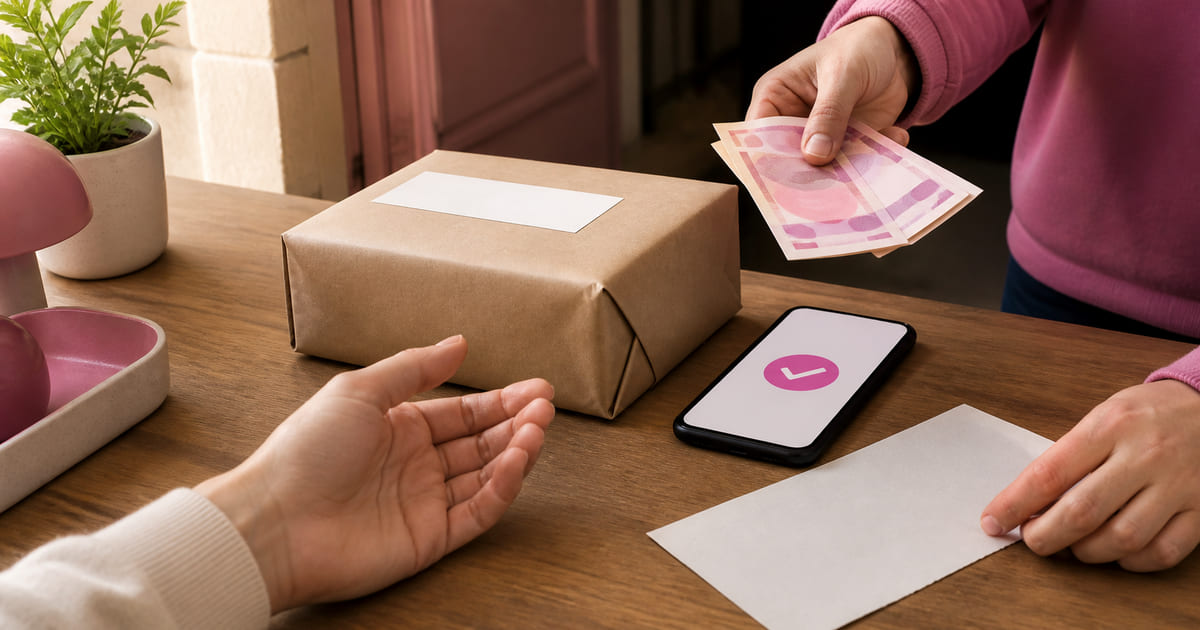
Paid before dispatch — Whish, OMT, a bank transfer. The buyer sends the money the way they already send money, then types the transfer reference into the checkout. If you marked that method as needing a reference, the field appears and the order will not go through without it. The order lands as awaiting payment.
Paid at the door — cash on delivery. No reference, nothing to confirm up front. The order lands as unpaid, which is exactly what it is until the courier comes back.
Either way the buyer leaves with an order reference on screen. They can look the order up again later with that reference and their email address.
What you do
You open the dashboard and confirm the money arrived — by eye, against your own statement. You are the one who can see your account, so a transfer order waits as waiting for payment until you mark it paid, and your word is what counts.
From there the order moves through to pack, ready to send, on the way, delivered. Stock came off the moment the order was placed, counted per variant, so the site cannot sell you into a hole while you are confirming payments. If you cancel an order, the stock goes back exactly once, even if you and a colleague cancel it at the same moment.
Two details that matter more than they sound:
A surcharge belongs to the method, not to cash. If cash on delivery costs you something, you can put a fee on that method. If a transfer method costs you nothing, it carries no fee. The fee is a property of how people pay, which is the honest way round.
Two figures, always both. The Orders screen shows what you have collected and what is still to collect, side by side, with cancelled orders left out of each. When half your orders are paid at the door, a single total would be half the truth whichever one it was.
Delivery, priced the way it actually works
You define delivery regions — a name, a flat fee, and a rough time ("Beirut, same day"). You can set a threshold above which delivery is free. That is deliberately simpler than a courier rate engine, because for local delivery the honest answer is usually a small number of named areas with a price each, not a weight-and-distance calculation.
What keeps it running day to day
The checkout is the part people ask about. These are the parts that make the shop easy to live with.
Your orders, where you look first. The home page of your dashboard shows how many orders came in over the last day, and one tap takes you into your shop. The Orders screen holds every one, filtered by where it is: to pack, ready to send, on the way, delivered.
A waiting list for what sold out. When a colour or a size runs out, a buyer can leave their email to hear when it is back. You see who is waiting and on what, and one tap opens an email to them, already written.
A restock list. The Running low screen puts the variants closest to empty first, with how many people are waiting on each, so you know what to reorder before the weekend rush.
Refunds on the record. When you hand money back the way it came, you mark the order refunded and it leaves your collected figure, so the number you read stays true.
The shop in your own design. The product and checkout pages are built into your site, in its own look, and run on the catalogue, the stock and the orders you manage in the dashboard. The shop looks like the rest of your business rather than a template bolted onto it.
When this is the right tool
When your buyers pay by Whish, OMT, transfer or cash, and a card-first checkout would lose most of them. When your catalogue is stable enough to maintain and someone is genuinely responsible for packing. And when the messages have become the bottleneck — if they have not, a page and a WhatsApp link is still the better first move, and the arithmetic of whether you need a shop at all has not changed.
The short version
A store here does not fail because the website was bad. It fails because the checkout ends in a card form nobody wanted to use. Helm's Shop, on the Standard and Business plans, ends the checkout where the money actually is — a reference you confirm, or cash at the door — and keeps the rest in one dashboard: stock counted per variant, delivery priced by area, a waiting list for what sold out, and two figures for what you have collected and what is still out. If your buyers pay this way, the reason you did not have a store may have stopped being true.