

Bring your own site · 5 min read
How do I add a booking system to my website?
The short answer
You attach it rather than rebuild. Booking is a feature you add to the site you already have — your pages, URLs and design stay exactly as they are. The real decision is not which software but whether the booking completes on your own domain or sends the customer to a third-party site, because that determines who owns the customer relationship afterwards.
On this page
It is an addition, not a rebuild
The most common misunderstanding: people assume adding bookings means a new website.
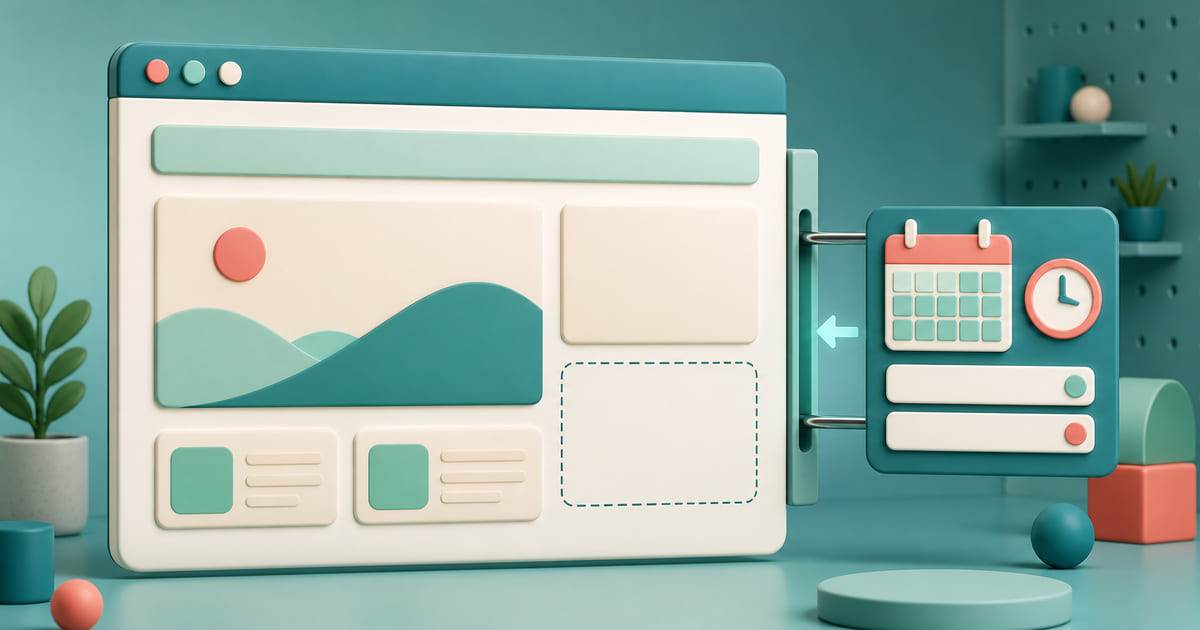
It does not. Booking is a feature that attaches to what you already have. Your existing pages keep their design, their addresses and their search rankings. A booking section appears where it belongs, and everything else is untouched.
If a quote to add booking comes back as a quote to rebuild the site, ask why. Occasionally there is a real reason — usually there is not. What adding bookings to an existing site actually involves sets out the parts that do and do not have to change.
The decision that actually matters
Not which software. Where the booking completes.
On your own domain. The customer picks when they would like to come, enters their details and sends it without leaving your site. You have the booking, their contact details and their history.
On a third-party platform. They click Book and land somewhere else. Faster to set up, and it costs you two things: a percentage of every booking, and often the customer relationship itself — you may never get the email address of the person who came last week.
The pragmatic arrangement: keep a marketplace listing for genuine discovery, and route everyone who already knows your name to your own booking page. You pay commission on new customers and nothing on the ones you already had.
What it needs to do to actually get used
The reason people stay on platforms is rarely loyalty. It is that the platform's booking flow works and their own site's does not. To win the switch, yours needs to:
- Complete in three taps or fewer, on a phone, with no account creation
- Answer fast: reply to every request within the hour, by email, so the customer is not left guessing
- Give them something to quote: a clear yes or no with a booking reference, so a call or a message later starts from the same booking
- Let the customer say what they want: the service, chair or room, and the day, plus a note for anything else
- Leave you a way to reach them: a WhatsApp number as well as an email, so a reminder the day before is one message
- Keep you in charge of the diary: nothing is booked until you say yes, so a day you are away or already full is a polite decline, not a clash
The fast answer is worth singling out. It is quietly the main reason customers trust platform bookings: they know where they stand. A request that gets a quick yes feels just as certain, and if yours does that, the practical case for the platform mostly disappears.
The questions software cannot answer
Settle these before switching anything on, because they cause more problems than the technology does:
- How far ahead can people book, and how late? Same-day bookings at 6pm for a 7pm table may not work for your kitchen.
- What happens when you are full? A waiting list, a message, or nothing.
- How does someone cancel, and by when without penalty?
- Who watches the bookings during service, and on what device?
- What happens to a booking made while you were closed?
- And what about the ones that arrive as a chat message? Most small businesses here take a real share of their bookings on WhatsApp, and keeping the conversation while making the commitment land somewhere with fields is a different problem from choosing a booking system.
Half an hour of policy decisions prevents most of the friction people blame on the software.
Where Helm fits
On Helm this is not an integration project. Bookings is one of the tools on the Standard and Business plans, on the same dashboard as your website. Content, media, messaging and forms sit beside it on every plan; analytics, SEO and a shop on the same two plans; customer accounts on both; and loyalty is one of the 3 tools you choose on Standard and is included on Business. The booking form goes onto the site you already have, so the booking and the customer's details are yours rather than a platform's.
Here is how a request works. A customer books from your own site in a few taps, with no account to create: their name, their email, the chair or room and the day they would like, and their WhatsApp number if they want you to reach them there. You get an email the moment it arrives, and it waits in your booking requests inbox until you answer. You confirm or decline it, and the customer gets your answer by email, with a booking reference, in Arabic, English or French to match the language they booked in.
That is the difference worth weighing against a marketplace: the regular who already knows your name books with you, not through a listing that charges you for them.
Rolling it out
Start narrow. One service, or one part of the week. Learn how it behaves before it handles everything.
Keep the phone number visible. A meaningful share of customers will always prefer to call, and removing that option costs you them.
Tell your regulars once. "You can book directly here now — same slots." Most will switch, because it is faster than messaging.
Watch the first fortnight properly. Bookings that arrive at odd times, double-bookings, confirmation emails landing in spam. All fixable, all better found by you than by a customer.